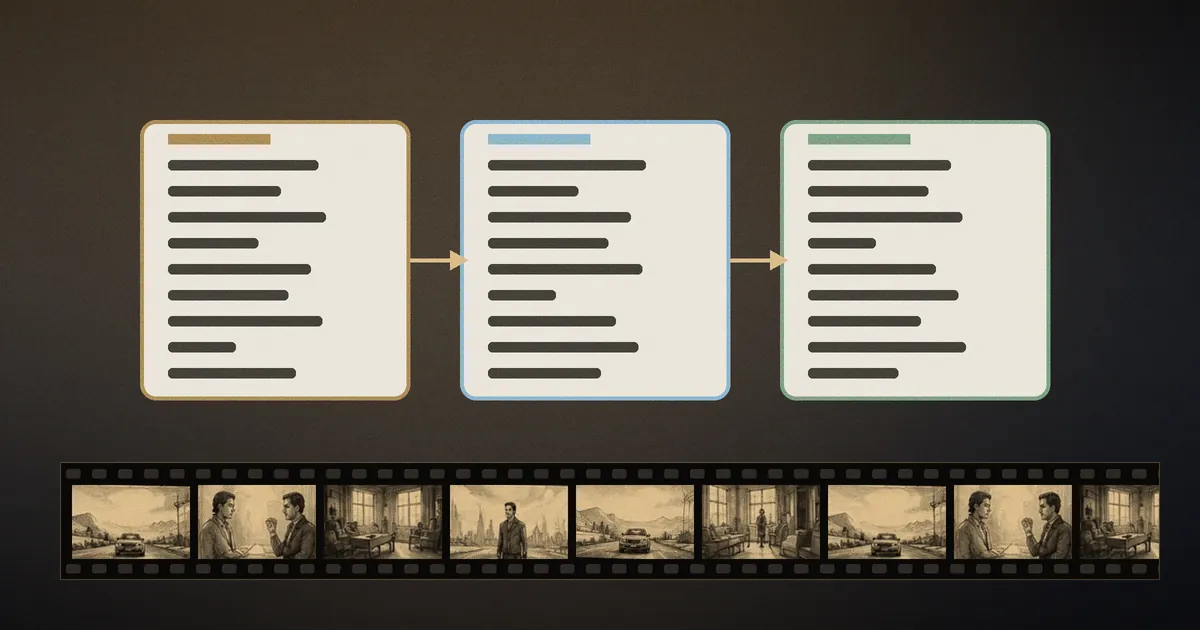
A pre-production workflow that holds together treats the script as the single source of data and builds every later stage from it: breakdown, storyboard, budget, schedule and pitch deck. When a scene changes, the change flows down the chain instead of being retyped in five places. You can do this with spreadsheets and discipline, or with a tool that keeps the stages connected; what matters is that nothing is copied by hand without a link back to the scene.
Most production trouble in pre-production is not creative. It is the quiet drift between documents: the budget still counts a night exterior that the writer cut last week, and the schedule still has an actor on a day he is no longer needed.
Pre-production as a chain, not a list of tasks
Each stage consumes the output of the one before it and produces input for the next.
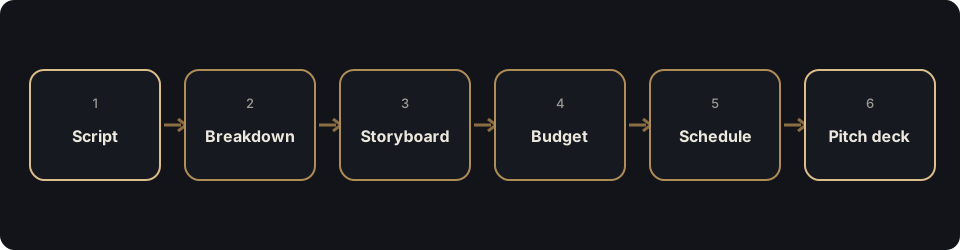
- Script. The locked or current draft: scene headings, cast, action. Everything else is derived from it.
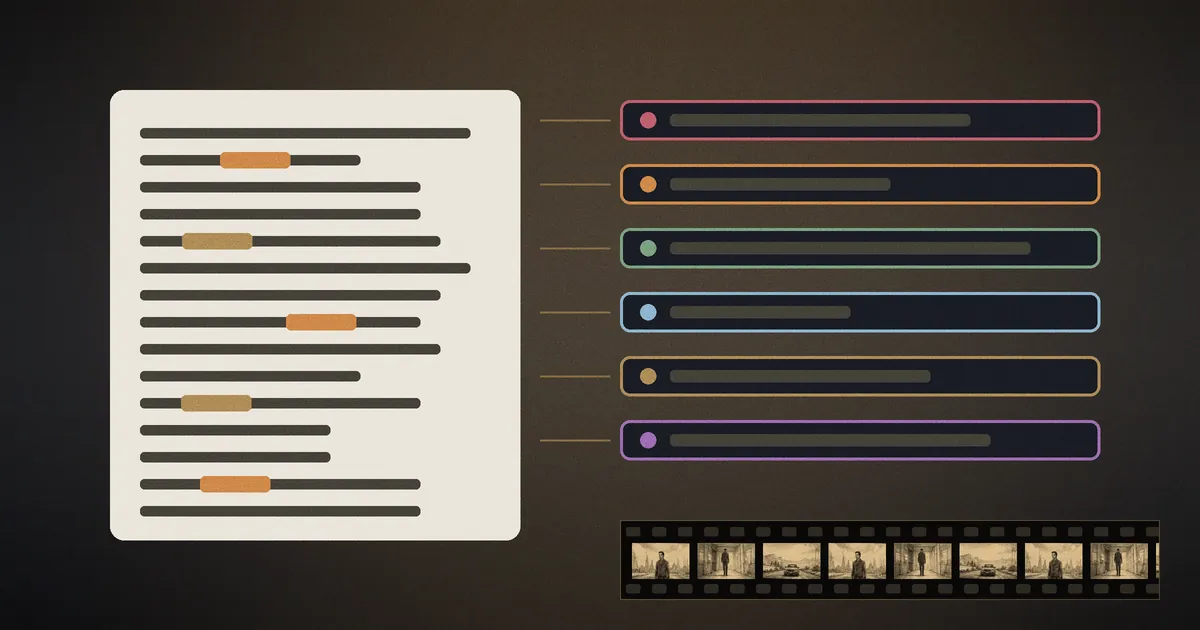
- Breakdown. Every scene is tagged with its elements: cast, extras, props, vehicles, locations, special requirements. See the script breakdown guide for how to tag well.
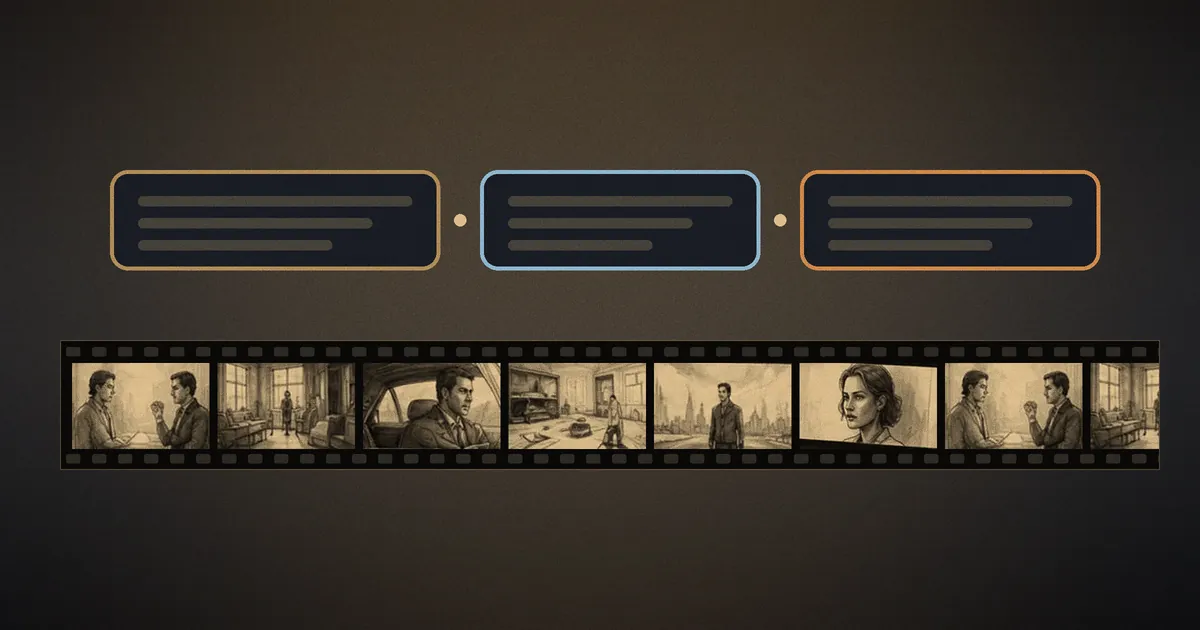
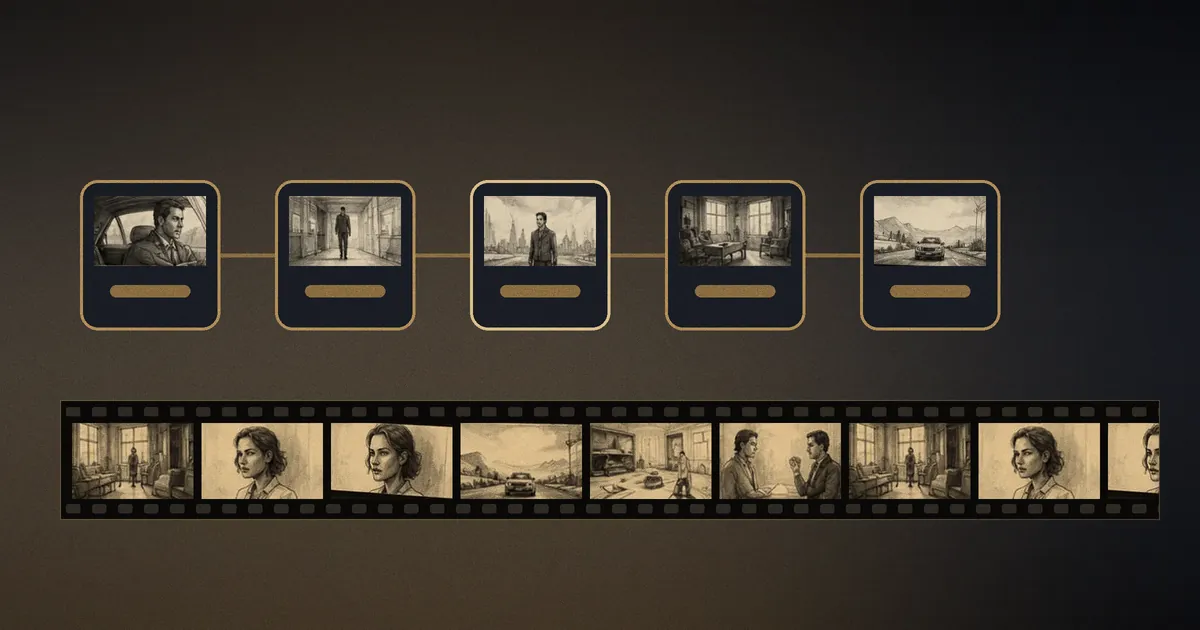
- Storyboard. Key scenes are visualised, which exposes camera, set and effects needs that the page hid.
- Budget. Quantities from the breakdown (days, people, props, locations) become lines with prices.
- Schedule. Scenes are grouped into shooting days by location, cast availability and daylight. The cast schedule that results is the topic of the day-out-of-days article.
- Pitch deck. Logline, look, budget range and schedule summary, drawn from the stages above rather than rewritten.
The order is not rigid. Budget and schedule often loop back, since a number that is too high sends you to cut a scene. That is exactly why they must stay connected to the same scene list.
What goes wrong when every stage has its own tool
When each stage lives in a separate file, the same facts are typed several times. A few failure patterns recur on small productions:
- Copy-paste errors. A scene number is mistyped when moving from the breakdown sheet to the schedule, and two scenes swap budgets.
- Version drift. The writer sends a revised draft; only the schedule is updated. The budget still uses the old scene list.
- Orphaned changes. A location is changed from a street to a studio. The storyboard, the permit list and the transport line are not told.
- Hidden duplicates. The same prop appears under two names, once as "knife" and once as "kitchen knife", and it is bought twice or not at all.
- Format mismatch. The script arrives as a PDF, someone retypes scene headings, and typos spread into every sheet. The guide to screenplay formats explains which file to keep as the master so this does not happen.
None of these require a bad producer. They are what happens when the connection between documents is human memory.
A checklist for one source of truth
You can reach this with spreadsheets alone if you follow a few rules.
- Pick one master scene list. One sheet or file, one row per scene, with a stable scene ID that never changes even if the scene is renumbered.
- Reference, do not retype. Other sheets pull scene data by ID with lookups, rather than copying text.
- Version every script draft. Name drafts with a date and a short change note; mark which draft the budget and schedule currently correspond to.
- Log changes at the scene level. When a draft arrives, list which scenes were added, cut or altered, then walk that list through each stage.
- Use controlled vocabulary. Agree on names for props, locations and roles once, and reuse them.
- Freeze before sign-off. Before locking a budget or issuing a schedule, state the draft and date they are based on.
- Check totals against the script. Scene count, number of locations and number of speaking roles should match across documents.
Where AI helps and where people decide
AI is useful for the repetitive, pattern-shaped work and weak at judgment that depends on context nobody wrote down.
Reasonable to delegate for a first pass:
- Suggesting breakdown tags from the text: characters, locations, obvious props, time of day.
- Producing a first storyboard sketch of key scenes to start the conversation with the director.
- Proposing schedule groupings by location, so scenes in the same place sit together.
Must remain human decisions:
- Whether a tag is right. A model may miss that a "gun" is a prop requiring a licensed armourer, or read a dream scene as a real location.
- Prices, rates and negotiated deals. These come from vendors, guild agreements and local rules, not from text analysis.
- Creative priorities: what to cut when the number is too high, and which scenes cannot be compressed.
- Safety, legal and permit matters, including minors, stunts, animals and public locations.
Treat AI output as a draft for a person who knows the production. Check every suggestion against the page before it enters a budget or schedule. STORYGRAPH keeps the breakdown, storyboard, budget and schedule connected to the same script, so a revised scene updates what depends on it.
Example: a small production
Example, for illustration. A 12-minute short has 14 scenes, 3 speaking roles and 4 locations: an apartment, a corridor, a car and a street at night. The producer imports the script and gets a first-pass breakdown. She corrects two tags: a "bottle" is a prop with a break-away version, not a plain one, and the car is a hire requiring insurance. The storyboard shows the car scene needs a rig, which adds a line to the budget.
The schedule groups the apartment and corridor scenes into one location day and puts the night street at the end. Then the writer cuts the corridor scene and merges it into the apartment. With a connected source, the scene is removed once; the breakdown, the number of location hours, the budget and the day plan all change. In separate spreadsheets, someone has to remember four places, and the usual outcome is that one is forgotten.
Taking a first step this week
Do not migrate everything at once. Start with the master scene list and stable IDs, and make the schedule read from it. Then connect the budget. Add AI-assisted tagging last, once your vocabulary is controlled, because a clean vocabulary makes suggestions easier to verify.
Takeaways
- Treat the script as the single source; every other stage should be derived from it.
- The common failures are retyping, version drift and changes that never reach downstream documents.
- Stable scene IDs, one master list and a scene-level change log solve most of it, even in spreadsheets.
- Use AI for first-pass tagging, sketches and grouping; keep prices, safety and creative priorities with people.
- Record which script draft each document is based on, every time.