Disconnected services
Script, production documents, budget, visuals and pitch — each in its own tool, for every single project.
AI for film & series · script to schedule
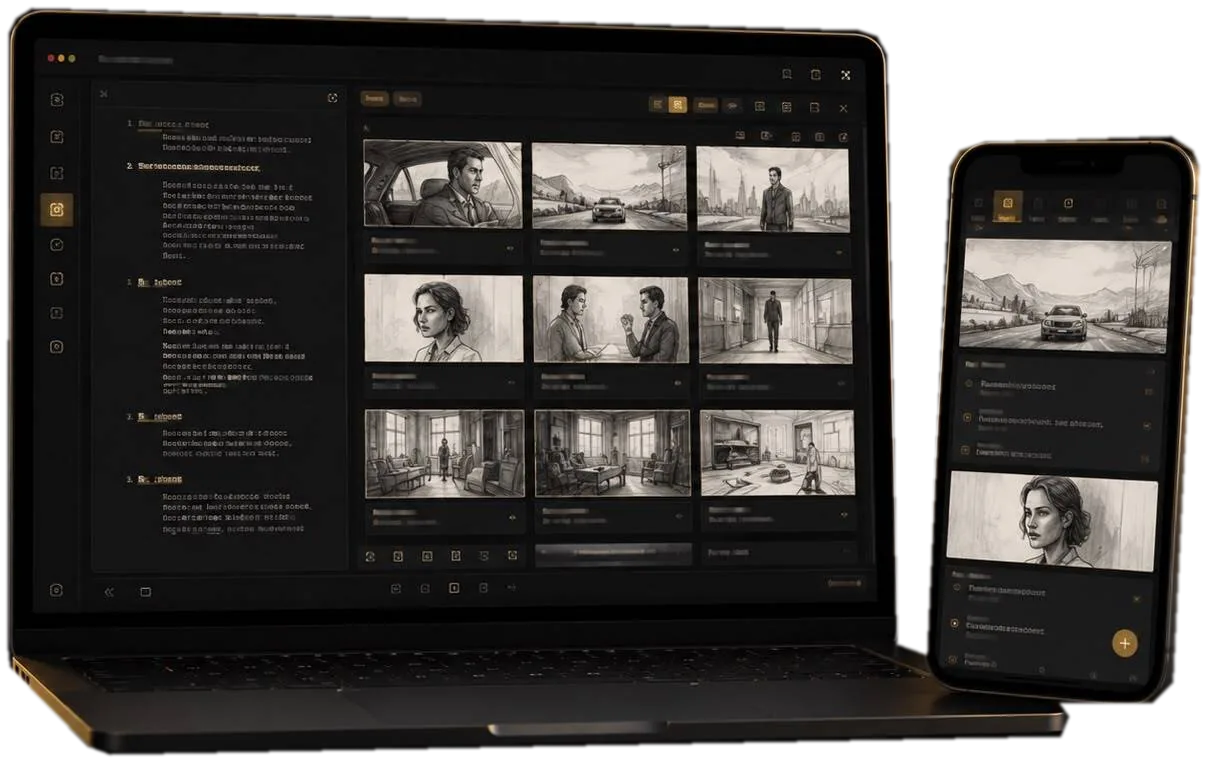
STORYGRAPH diagnoses your story, builds the storyboard, budgets the production and plans the shoot. Every stage reuses the data of the one before.
One test project free, forever. No card required.
Works with what you already use
The problem
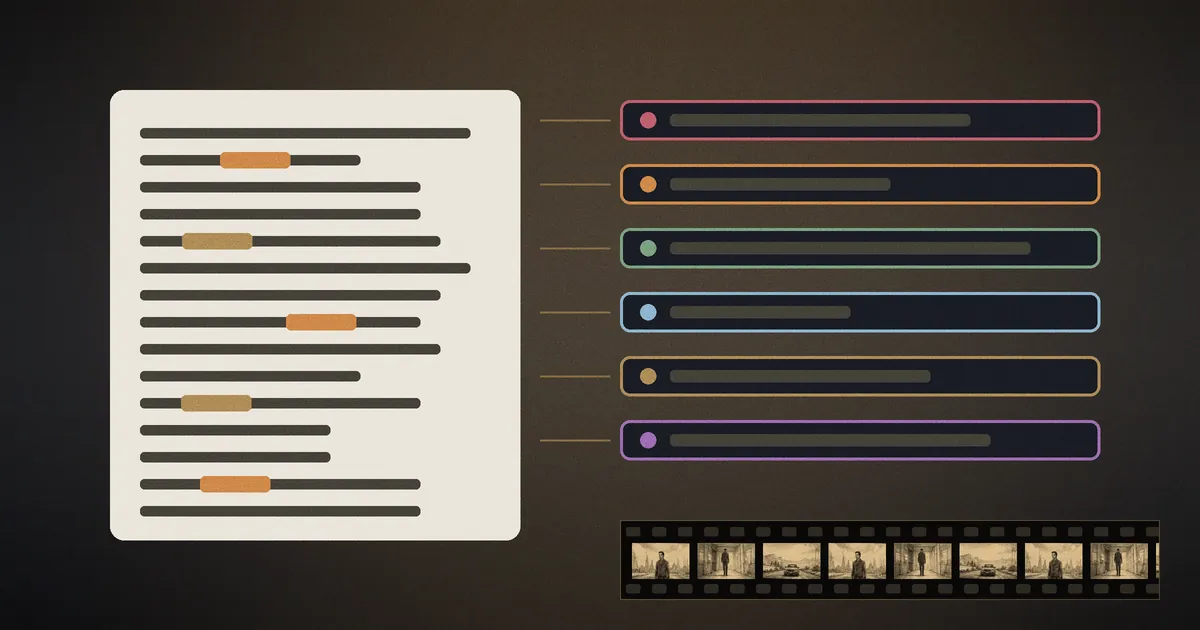
The writer works in one app, the producer budgets in a spreadsheet, the director gathers references somewhere else, and the pitch deck is laid out by hand in a fourth place. None of them can see the others' data.
Script, production documents, budget, visuals and pitch — each in its own tool, for every single project.
Hours spent copying data between tools and between versions.
Writer, director and producer each hold a different, out-of-sync version.
How it works
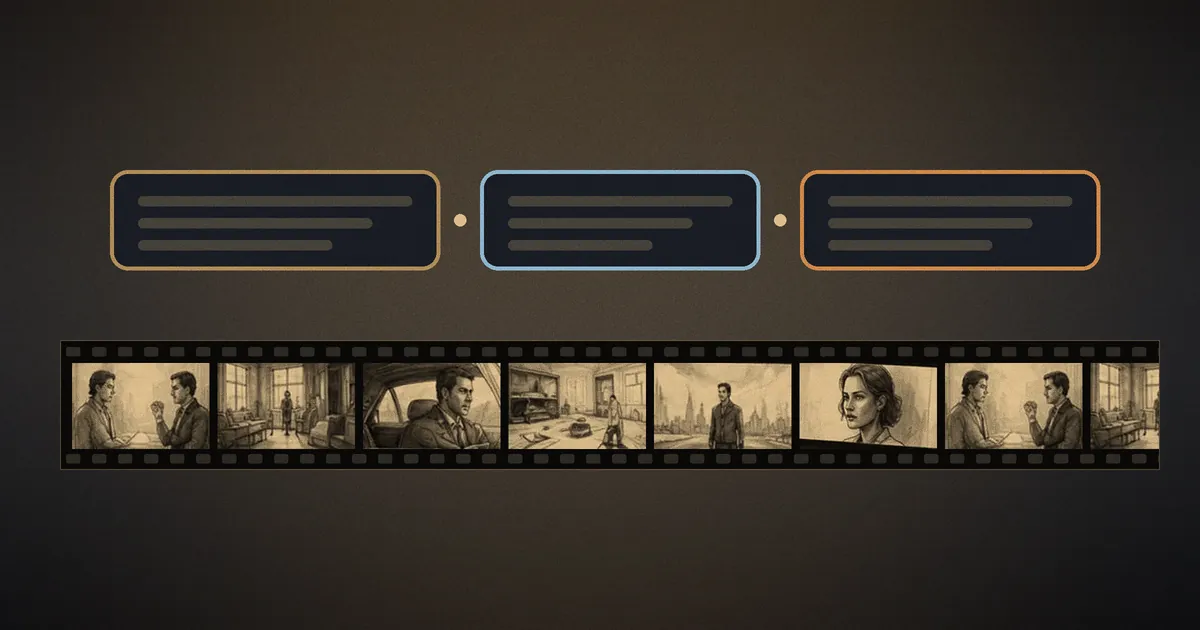
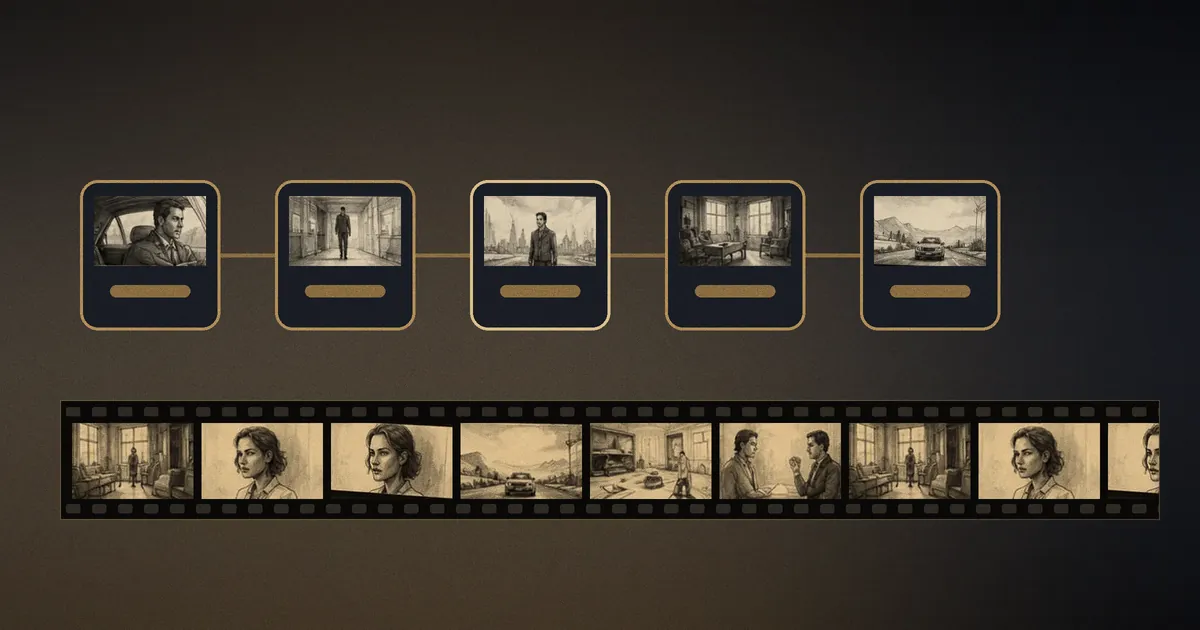
A script moves through every stage of preparation without leaving the platform. Each stage reuses the data of the previous one, so nothing is retyped and nothing drifts.
Structure parsing, AI dramaturgy diagnostics, co-writer, beat sheet and a series board.
A studio-style coverage report, test screening with four AI audience personas, and a line-item AI budget.
AI storyboard, camera and blocking per shot, moodboards, and reels built from your own footage.
Breakdown by element, a day-by-day shooting schedule, day-out-of-days and a production plan.
Features
Writers write and revise faster, directors see the film before the shoot, producers keep budget and schedule under control. Nobody waits on a neighbour's data.
Writers
Producers
Directors
Pitching
Inside
A closer look at three things that rarely share a project.
Dramaturgy diagnostics
Five kinds of structural problem, each pointed to the scene.
Beat sheet
A 15-beat template, reorderable, tied to your scenes.
Reel timing
Reel ≈ 13.6 s
Each shot lasts exactly as long as its voice-over, so picture and voice never drift.
Illustrative example — not a real script.
Talent showcase
Publish your screenwriter profile with a photo and a verified badge, so producers can find the writer behind the pages.
Start
Free, forever
Write and work on a screenplay with structure parsing, diagnostics and the text AI tools. No card required.
Paid plans
Photo storyboards, voice and video, unlimited projects and team seats sit on paid plans. Plans and prices are shown inside the app.
Blog
A script breakdown lists every element a scene needs to be shot. Learn the categories, colours, breakdown sheet fields and how it feeds budget and schedule.
A logline is a one- or two-sentence summary of your screenplay. Learn the three-part formula, see before-and-after rewrites and avoid the usual mistakes.
How to build a pre-production workflow where breakdown, storyboard, budget and schedule reuse the script's data, so one source of truth keeps changes from getting lost.
Everything people usually ask before they start.
You can create one project and try the core functions free, with no card. After that there are paid plans; you will see them inside the app.
They are separate tools that people normally use side by side: Final Draft covers only the screenplay text, StudioBinder only production documents. STORYGRAPH is the one platform where AI dramaturgy diagnostics, storyboard, casting, budget and shooting schedule work inside one project and reuse each other's data.
No. The platform runs entirely in the browser — register at app.storygraph.online and upload a screenplay.
Yes. Each project is visible only to you and the teammates you invite. Roles (owner, editor, viewer) are set for every project separately.
Import: .fountain, .fdx (Final Draft), .docx and .txt. Export: Final Draft (.fdx), Fountain and PDF — compatible with industry standards.
The app works in English and Russian. It follows your browser language, and you can change it in your account settings. Screenplays can also be translated into other languages inside the platform.
Yes. A white-label version under your brand with full technical support is available — write to us to discuss terms.
Studios, broadcasters and film schools: ask about team plans and a white-label version. Or just tell us what you would like to see.
Prefer to look around first? Try it free →